{% This is AUTO-GENERATED with command ASUIDOCS from AUTOCAD %}
{% DO NOT EDIT THIS FILE %}

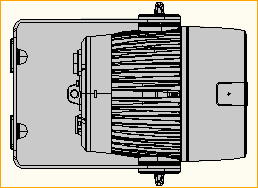
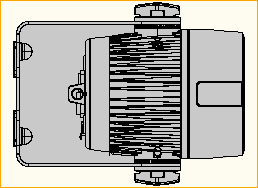
Hier findest du 3 2D-Symbole für **Roxx**, z. B. NEO, E.SHOW und E.SHOW mini. Du fügst sie in AutoSTAGE direkt über das Design Center in deine Zeichnung ein.

### NEO

|
--- | --- | --- | 
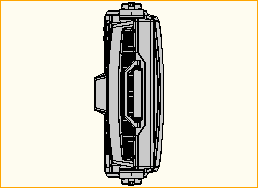
 <img class="image" src="/x/p/2065000100.gif" data="3065000100" alt="NEO" title="NEO" width="258" height="188"><div class="symbol">NEO</div> |  <img class="image" src="/x/blank.png" alt="" title="" width="258" height="188"> |  <img class="image" src="/x/blank.png" alt="" title="" width="258" height="188"> | 

### E.SHOW

|
--- | --- | --- | 
 <img class="image" src="/x/p/2065000300.gif" data="3065000300" alt="E.SHOW" title="E.SHOW" width="258" height="188"><div class="symbol">E.SHOW</div> |  <img class="image" src="/x/p/2065000200.gif" data="3065000200" alt="E.SHOW mini" title="E.SHOW mini" width="258" height="188"><div class="symbol">E.SHOW mini</div> |  <img class="image" src="/x/blank.png" alt="" title="" width="258" height="188"> |